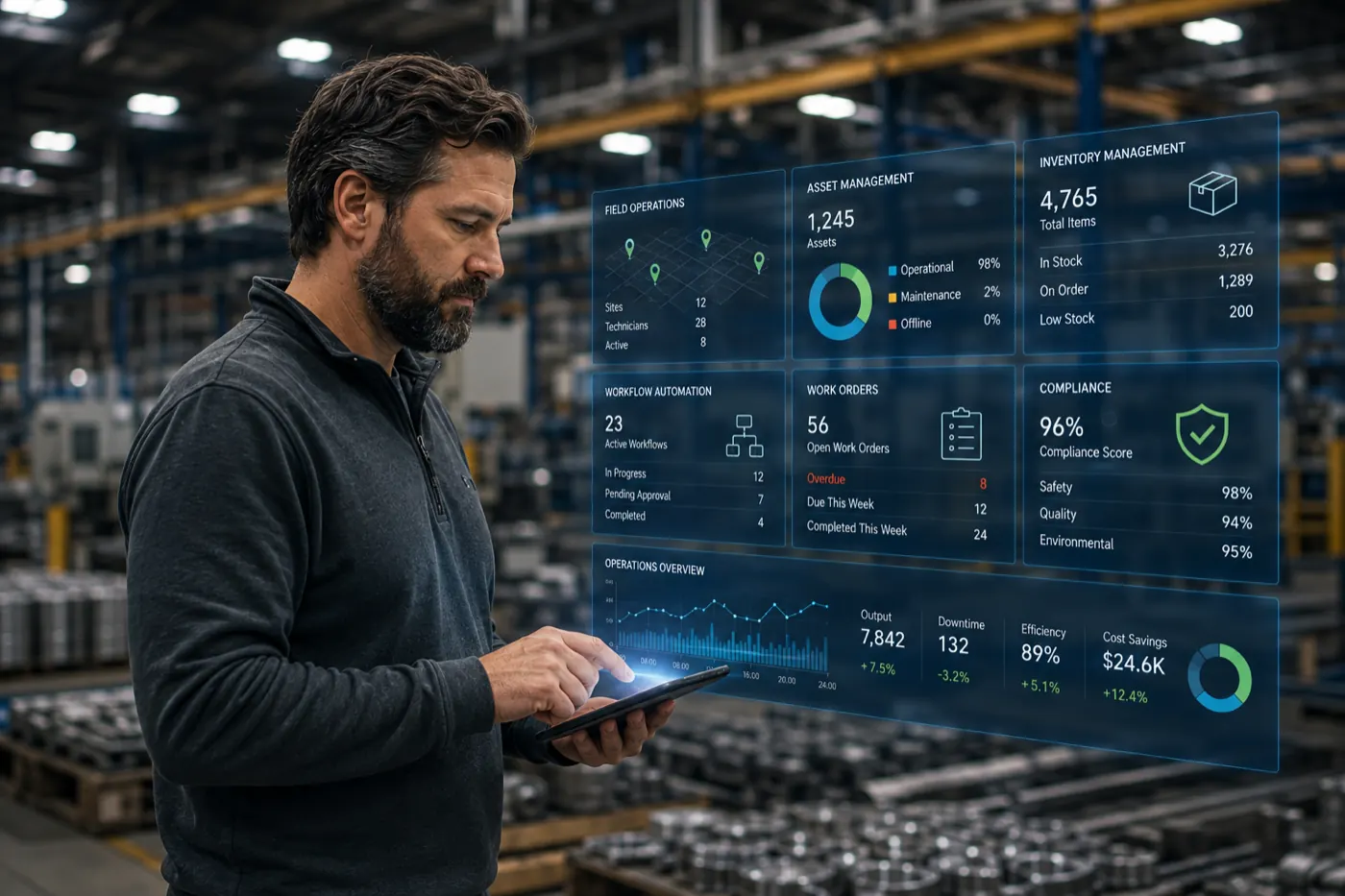
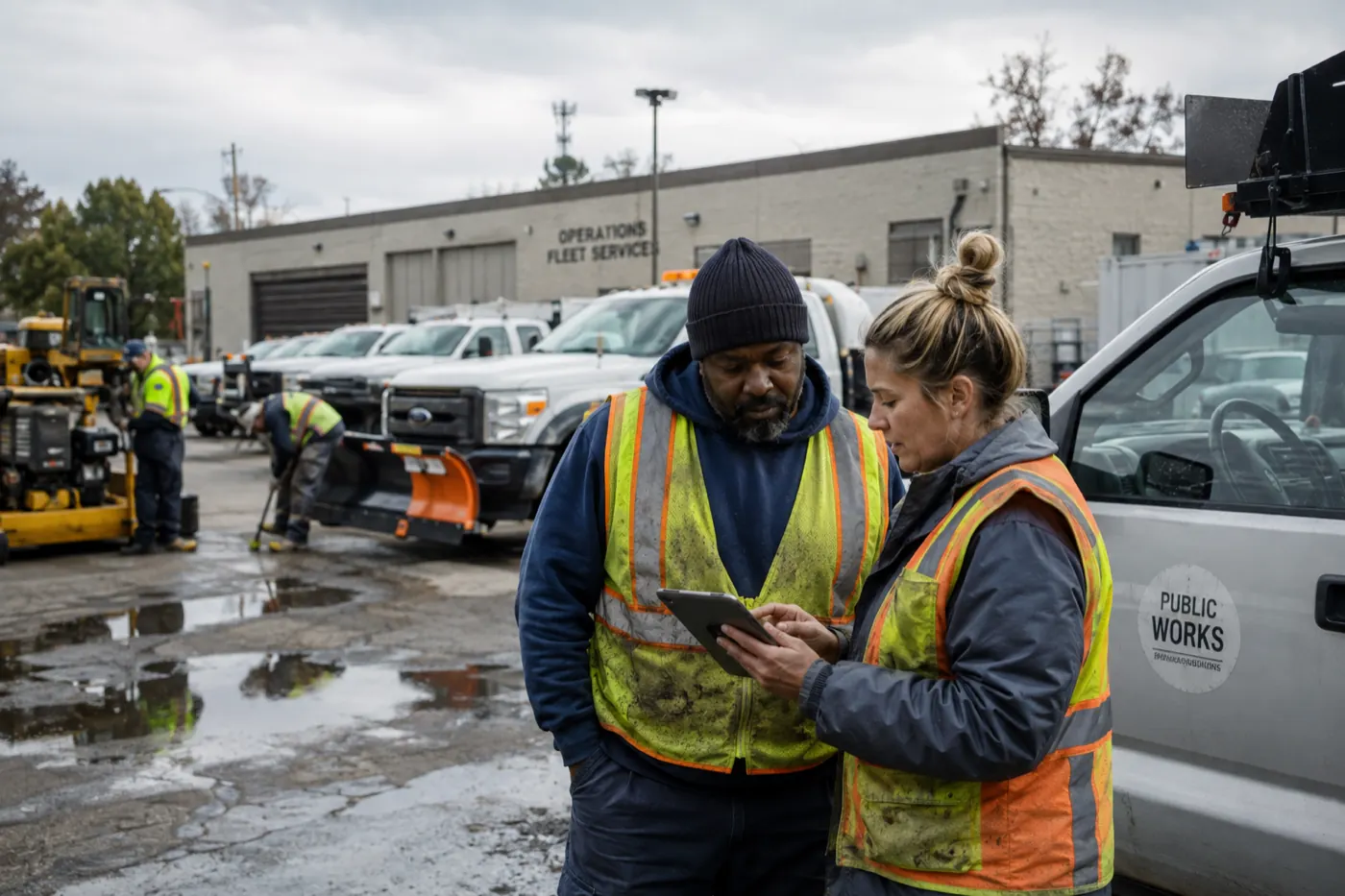
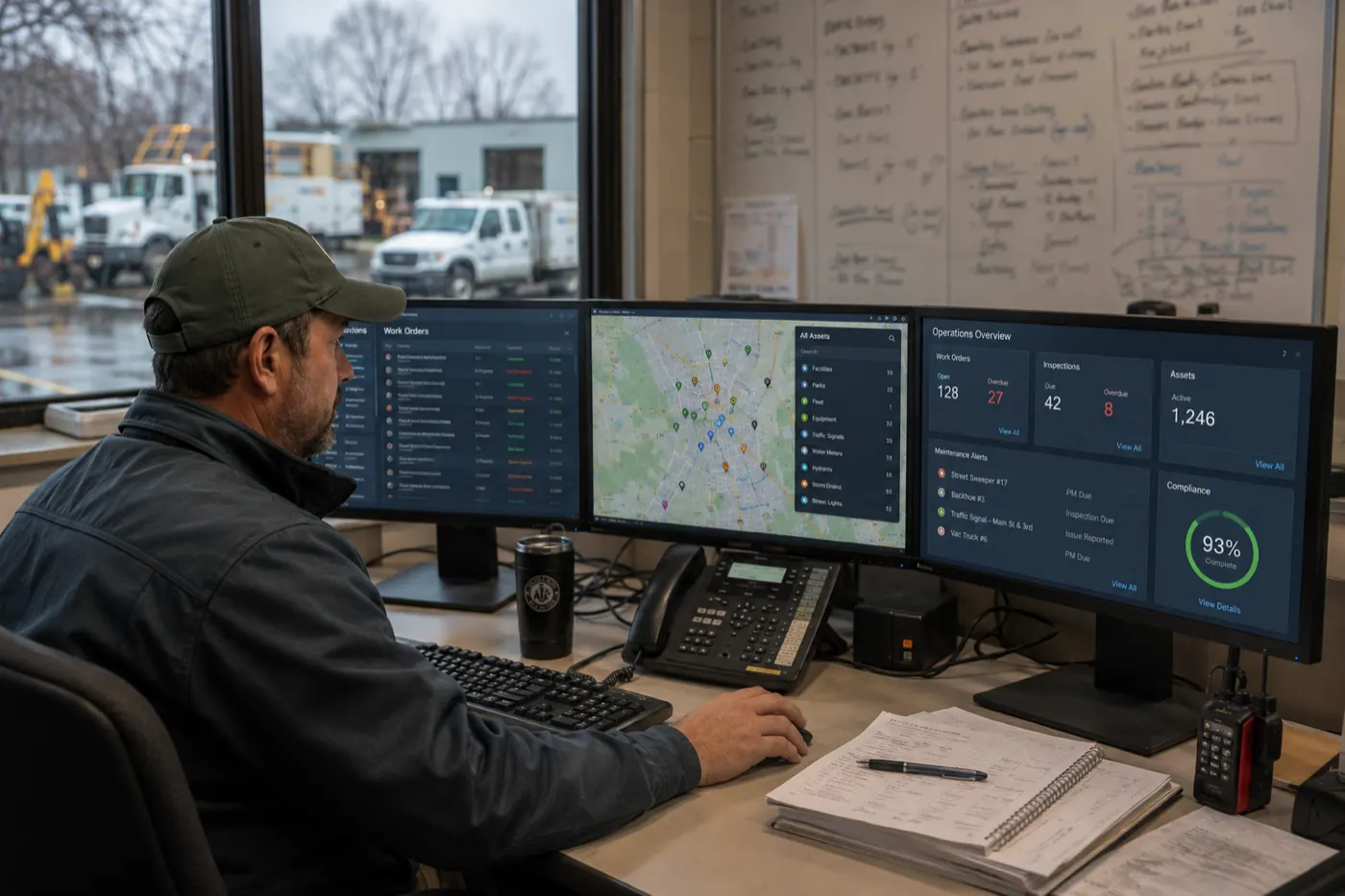
Field operations get harder to manage when work is spread across paper, spreadsheets, messages, legacy systems, and disconnected tools. Field teams spend too much time documenting and reporting what happened, while operations leaders struggle to get a current view of what’s happening across jobs, crews, and locations.
What the webinar covers
Learn how operations teams are simplifying and modernizing field work to make execution faster and more consistent while giving everyone from the field to the back office better visibility into progress, issues, and results.
In this webinar, we covered common operational problems and practical ways organizations are addressing them with technology.
Daniel Dorr, TrackVia’s SVP of Marketing, hosted the session. He was joined by two panelists: Adam Vogel, a senior implementation engineer who spent years in the field with paint crews before moving into software, and Andrew Crawford, a solutions consultant who has spent more than a decade helping operations organizations run more efficiently.
Watch on demand
The five problems we hear most
Before walking through the use cases, Adam shared the five problems that come up most often with the teams he works with:
- Scattered information and tools. One utility construction client in Florida kept permits, safety records, and production tracking in three or four separate systems. Answering a simple question, like when a crew member last completed safety training, meant tracking down whoever owned that system.
- Time-consuming tracking and reporting. When data lives in several places, someone has to pull it together by hand before anyone can see how a job, or the business, is doing.
- Information that goes stale, with no history behind it. At one company, a person’s entire job was copying field reports from paper and spreadsheets into a master spreadsheet. When someone changed a number without telling anyone, the forecast broke, and nobody could see what had changed.
- Slow central visibility. A commercial contractor in Utah works with subcontractors who also take work from other general contractors. Letting those subs flag when they had open capacity meant the team could hand a job to a stucco crew that was ready to go.
- Software that can’t handle what makes you different. Most off-the-shelf tools push you toward their way of working, but the processes that set your operation apart are the ones worth keeping.
Five operational use cases we reviewed
Andrew then followed a single job in TrackVia from dispatch to final report. Here’s what teams that do this well have in common.
1. Pre-job inventory and allocation
Make sure the right materials, equipment, and resources are available before work begins. The first question isn’t who to send, it’s whether you have what the job needs. With dozens of jobs running and equipment constantly checked in and out, the job should only offer equipment that’s actually available, so nobody assigns a bucket truck that’s already on another site. Materials are budgeted on the job at the same time, such as how much PVC piping it should take, so the budget sits in front of everyone instead of in a separate finance spreadsheet.
2. Job dispatching and permitting
Give teams the information they need to start work and keep assignments, approvals, and requirements connected. Everything a dispatcher needs lives on one job record: the address, details pulled in from the CRM where the job was sold, required equipment, and every permit with its status. Access follows the role, so people can see information they aren’t able to edit. When a permit is approved, entering the approval date fills in the renewal and expiration dates automatically, and the permit itself is attached for anyone who needs it. Because permits often expire before the work is done, set reminders a set number of days ahead so the job stays compliant from start to finish.
3. Job tracking and field updates
Capture progress as work happens so teams spend less time chasing updates and re-entering information. Crew leaders rarely run one job at a time, so a map and list of their jobs lets them plan the day around where they are. On arrival, they start a daily production report that records the start time, headcount, and location. Through the day, they add photos, job safety assessments, and near misses, all tied to the job. Crews work from the native iOS and Android app on a phone or tablet, sign off on hours with a timestamped signature, and can bring in photos from specialized apps that add geotags or compass headings when a customer requires them. When a near miss is logged, the safety team is alerted automatically. In an emergency, the priority is the person who was hurt, and nobody should also have to remember to send an email.
4. Progress and production reporting
Turn field activity into consistent, current reporting without rebuilding spreadsheets or waiting for manual rollups. Crews report what they used or completed each day, whether that’s 800 feet of cable or 75 feet of trench against a 2,000-foot phase. Those entries roll up to the job automatically, so percent complete and budget use update as the work does. Thresholds do the watching: when material use crosses 80 percent of budget, it’s highlighted and the right people are notified. A job that has used 195 of 200 budgeted rolls of cable at 50 percent complete is a warning sign, a cue to raise a change order with the customer or check for waste on site. Reporting should fit the business, too, from crew workload, forecast revenue, and margins down to small things, like the customer that tracks company sweatshirt giveaways so nobody gets six in one year.
5. Centralized operational visibility
Give supervisors and leaders a clearer view of work across jobs, teams, and locations so they can spot issues and intervene earlier. Everyone works from the same live data, through a view that fits their role. Production managers watch usage against budget, client-facing staff can tell customers the job is on track, and leaders get dashboards they can drill into, such as near misses tied to equipment issues. Nobody has to call the crew to ask what happened yesterday. Data that lives in other systems, such as QuickBooks or Sage, can be pulled in or sent back out so the picture is complete. The same visibility drives safety: as Adam put it, “you can’t change what you don’t track.” Logging every incident makes root cause analysis possible, and that’s the first step to improving a safety program. When a job closes out, crews, equipment, and budget move straight to the next one, so the process runs as a cycle, not a straight line.
Where to start
Both panelists landed on the same first step, whatever software you’re considering: understand how your operation actually runs, not how you think it runs. Map who’s involved, what each step is for, and where the work could be better. One customer started by walking the office looking for piles of paper, since that’s usually where a process is ready to improve. Once the process is clear, ask whether you have one system that can bring it all together, so crews and back-office teams aren’t bouncing between spreadsheets, systems, and paper.